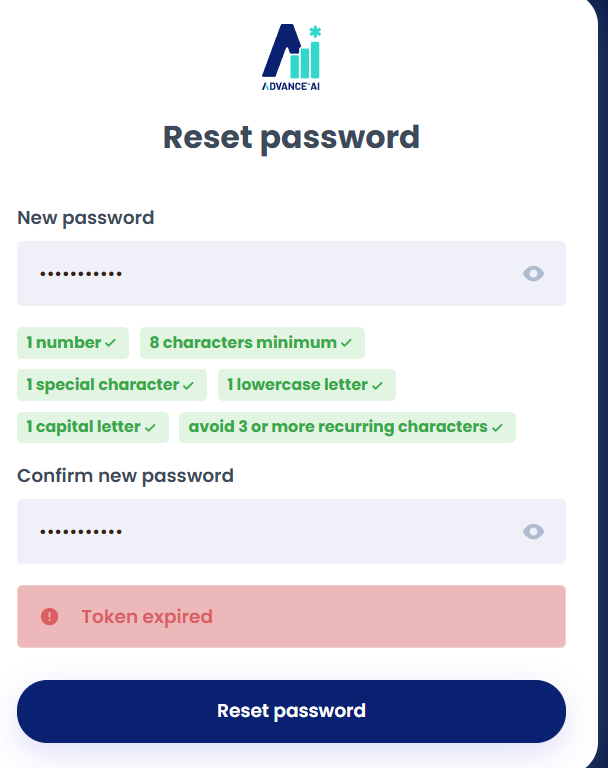
The 'Token expired' message can occur when going through the process to set/reset your password.
When you have requested the new password link, you have to click on the latest link to your inbox within about 5 minutes, so that it doesn't expire.
It is understandable that sometimes, when the first link doesn't come through, you would need to request a second link - however then both links may appear in your inbox at the same time. This means that if you click on the first link, after requesting the second link, this will no longer be valid (hence, "expired").
Please request a new password reset link again, and await for this to come to your main inbox or junk mail.
The message will look like this:
Was this article helpful?
That’s Great!
Thank you for your feedback
Sorry! We couldn't be helpful
Thank you for your feedback
Feedback sent
We appreciate your effort and will try to fix the article